What makes NETFLIX different from others…….

We all use NETFLIX to stream a movie or a show, but have you ever notice it feels different when you use Netflix and when you use other OTT platform. If you have not felt any difference then get ready to notice it.
Whenever you search something on Netflix or you watch anything on Netflix you will find that your Netflix homepage will change as per what you are watching or searching. Suppose you are watching F.R.I.E.N.D.S on Netflix now because you are watching a Sitcom your feed will fill with sitcoms, comedy shows, romcoms and other feel good movies/shows. I observed this first when I started watching K-Dramas, my homepage suddenly filled with k-drama suggestions, after watching just one drama.

This happens because of Netflix’s Recommendation Algorithm, this algorithm is build in such a way that,

  • Whenever you watch anything, the recommendation system will help you find a show or movie to enjoy with minimal effort and fill your homepage with the shows/movies of same genre, categories, actors, release year, etc..
  • They rank the titles in a way that is designed to present the best possible ordering of titles that you may enjoy.
  • The most strongly recommended rows go to the top of the page and the most strongly recommended titles start on the left of each row and go right.
This helps them to keep us on our screen for a longer period of time and makes us watch more because whenever you open the app you will find the recommendations related to what your watching.

Whereas on other platforms the homepage remain same, no matter what you watch, it will not personalize your homepage. This kind of Algorithm can be seen in Spotify too, where albums are formed as per your listening.

So, now you know what makes you sit in front of Netflix for so long.
How to GOOGLE

Before ignoring this post and thinking that i know how to use google so why i waste my time in reading this, just ask yourself do you use Google to it’s maximum.

We all use Google for daily basis from searching meaning of a word to translating it into other language, from checking reviews of a movie to checking any fact and we even search things that we shouldn’t, like checking if i have this disease or not (p.s. google is not for that refer a doctor for that.).

If we can search the silliest thing then why not search something useful, we can save a lot money by just Googling. Any new skill you want to develop or want to study for your school/college syllabus, you can do that for free. So stop wasting your money on this so called teaching apps and instead google the topic and trust me the free ones will teach a lot better than paid ones.

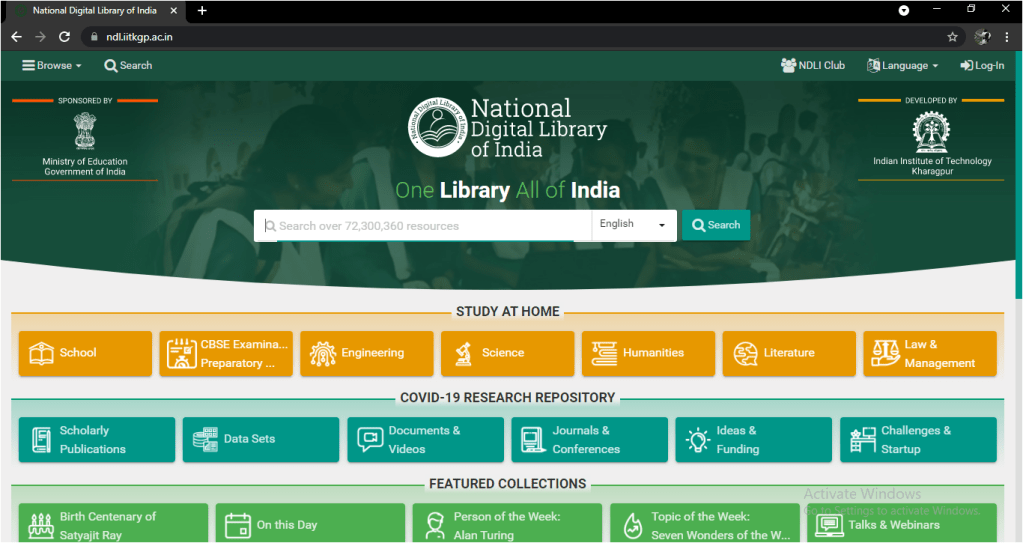
There are many sites where you can get free materials for studying, For eg:- IIT kharagpur has developed an E-Library called “National Digital Library” where you can get free textbook, pdf, video journals, etc. of schools, colleges, engineering colleges and many other. You have to just search NDL.IITKGP.AC.IN, register yourself for free and get access of this e-library.

You can also get free access of “YALE University” courses on multiple subjects just search oyc.yale.edu/courses. There are other many websites like this where you get free courses and materials.

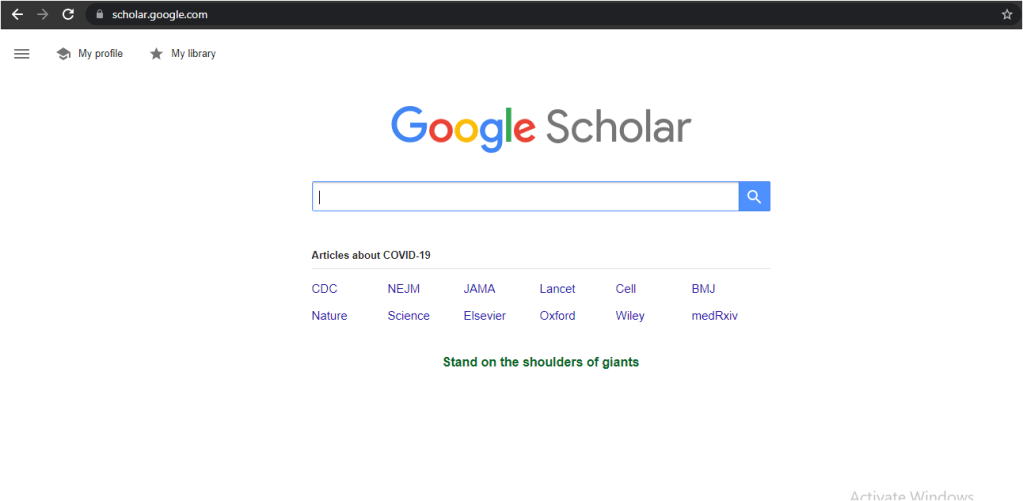
You want to search for an Essay or an Article you are writing, just type “Google Scholar”, here you will get all necessary information.

There are Websites which teach you Coding and Programming in different computer languages for free like Codecademy, FreeCodeCamp, and many others.

So just stop wasting your money and start Googling!

Windows 11

After lot’s of Speculations and saying that windows 10 would be last, Microsoft announced Windows 11. The leaks were out before launch but the official news came out in the recent Microsoft event held on june 24 2021.

The actual update will come by late 2021 and will be Free to download, though you can check whether your PC/Laptop is compatible with Windows 11 or not now.

What’s new :

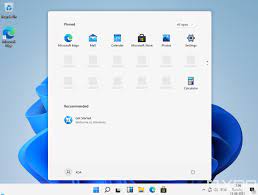
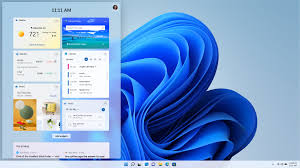
  • The biggest Change or the biggest update would be the UI(user interface), now the taskbar is in the Middle instead of the usual left side and also the start menu will pop in the Middle of the screen.
Microsoft Store and Amazon AppStore collab
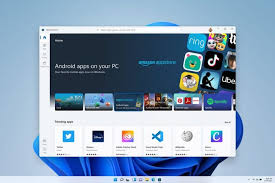
  • Now we can use Android Apps in windows OS so no more Third party Downloader, Microsoft and Amazon has made a collaboration for this, you can download Android apps from Microsoft Store via Amazon Appstore, for that you have to login into your Amazon Account because microsoft store will load amazon app store to download an Android app. And you also have to install Amazon AppStore for Windows first, to download stuff.
  • Windows 11 will also have Widgets now named as “Windows Widgets” they will fill in for the Live tiles (which are now gone). This Widgets will give Developers more space to show their Creativity.
  • “Snap Layouts” is announced by Microsoft, which will pop a small widget when you hover over the the icon that maximizes your window to allow you to move the window to any corner.
  • Other than that, Microsoft “Teams” will now come inbuilt in your device, “AutoHDR” is also coming which will lead to great Graphics.
  • Also Microsoft Store will get a Makeover.
  • Apart from this Major Updates some other small updates will also take place.

Microsoft CEO Satya Nadella has said he wants Developers to have the opportunity to built their own platforms on Windows 11. He also said that “Windows is the stage for the world creation”.

My Opinion :

Windows 11 looks promising and i think it will break the loop of one good and one bad OS.

I am not sure if the Android Apps will work as said, but who knows, we can just wait for the update and see later how it will work.

Design a site like this with WordPress.com
Get started